WordPress will now screen plugins?! Major WordPress Security Screening and Video Update You Must Know


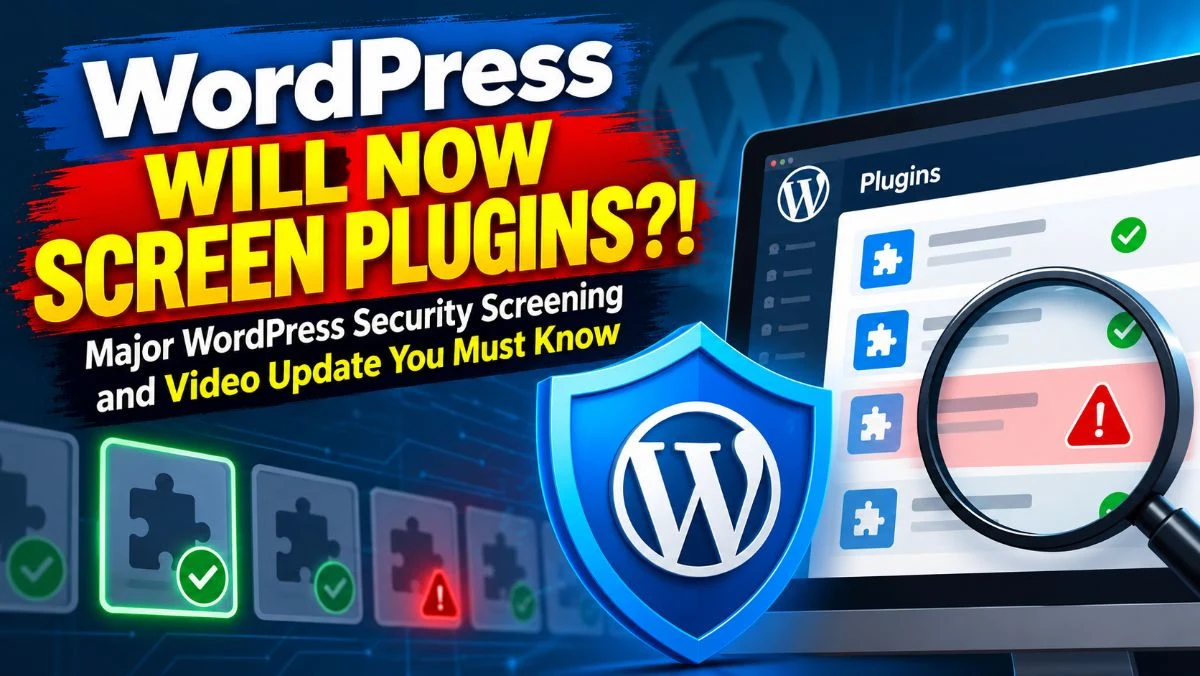
WordPress plugins are reviewed before they are made available through the WordPress.org plugin directory, but security is not a one-time concern. Plugins continue to change through subsequent releases, and vulnerabilities can be introduced through new or modified code.
WordPress has introduced automated security screening into the plugin update process to provide an additional checkpoint for updated releases before broader distribution.
In this guide, we’ll explain how the screening process works, what types of code changes can raise security concerns, what a high-risk result means, and what plugin developers and WordPress site owners should do.
Table Of Contents
| 1. | Introduction |
| 2. | Why Is This WordPress Plugin Security Screening Important? |
| 3. | What Is This WordPress Plugin Security Update? |
| 4. | How The Automated WordPress Plugin Security Works |
| 5. | What Can Trigger a Higher Security Score? |
| 6. | Does a High Risk Score Mean That A Plugin Contains Malware? |
| 7. | How Plugin Developers Can Prepare Updates For Security Screening |
| 8. | What WordPress Site Owners Need to Know |
| 9. | Why The WordPress Plugin Security Matter For Software Supply Chain? |
| 10. | Can Automated WordPress Plugin Security Screening Catch Everything? |
| 11. | FAQs |
| 12. | Conclusion |
| 13. | Need Help Reviewing Your WordPress Website Security? |
Why Is This WordPress Plugin Security Screening Important?
Let’s start with the incident that raised the importance of this WordPress plugin update. On July 28, 2026, an automated review in WordPress caught a backdoor in a plugin release that had around 20,000 active installations.
And this was caught during the cooldown period. A cooldown period is when the plugin goes through an automated security review for WordPress plugins. It was originally 24 hours, but later it got down to 6 hours.
Although WordPress did not reveal publicly which plugin it was, but it was taken down 26 minutes after being reported.
This particular incident raised more concerns for the security checkup. The agenda is simple: a plugin that is secure today can have dangerous code and malicious elements tomorrow with later updates.
Initial plugin review ≠ lifetime security
What Is This WordPress Plugin Security Update?
The new WordPress Plugin Security Update is the automated screening for new updated versions in the plugin that happens in the cooldown period. The six-hour window of the cooldown period creates a buffer for the WordPress plugin security review before it reaches the audience.
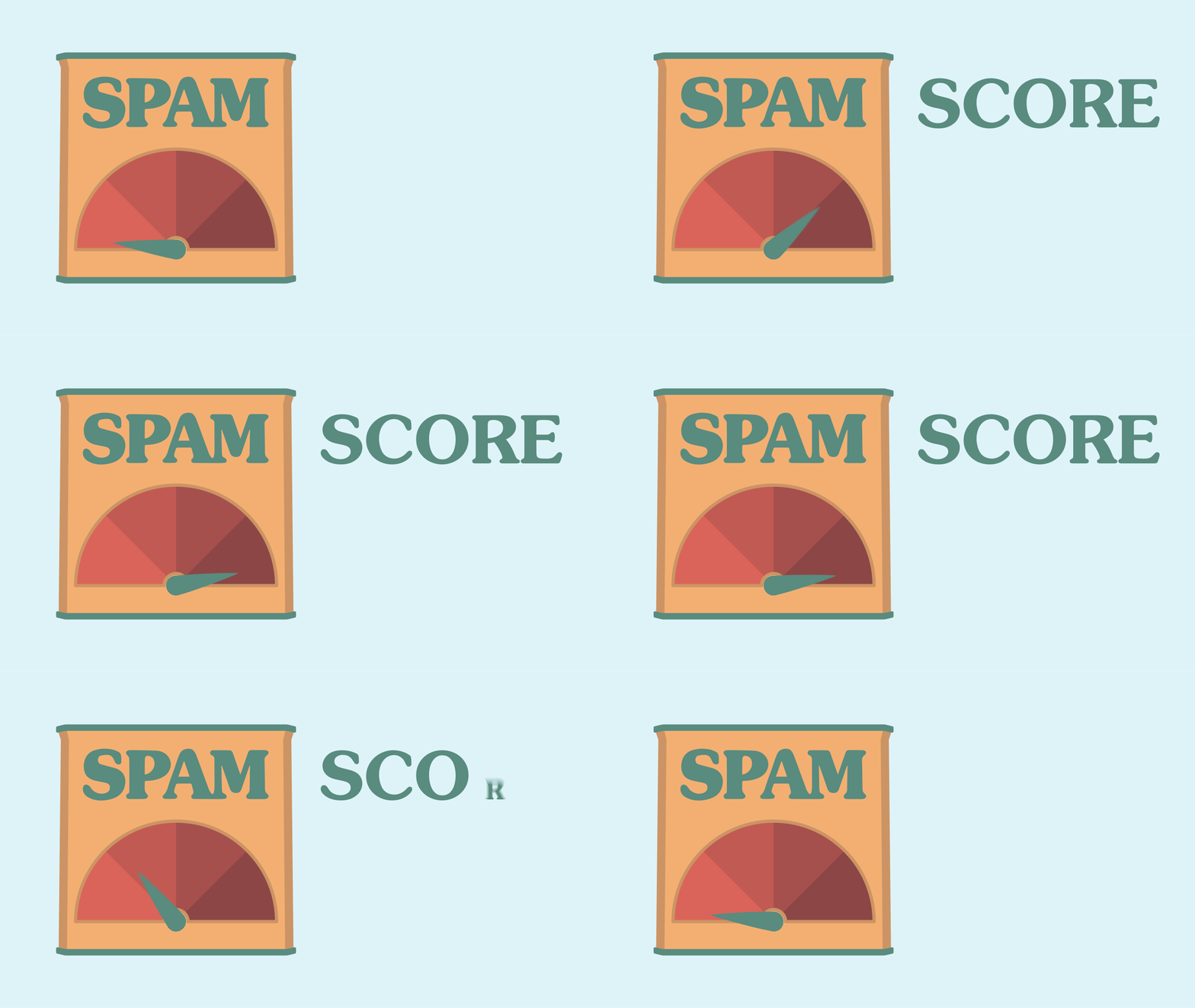
This WordPress plugin security review is checked by AI and Jet Scan to analyze the changes in the plugin. It gives the review a score.
This score is particularly important because WordPress.org is not just aiming to determine whether the plugin contains malware but also gives a broader review by providing a score of how much the update is risky so that the plugin developer can stop it from reaching users through API distribution.
How The Automated WordPress Plugin Security Works
The automated security review for WordPress plugin is conducted through a step-by-step process.
Step 1: Developer Publishes an Update
A plugin developer publishes an update for a specific WordPress plugin. But it does not reach the unrestricted distribution through the WordPress.org update API for users.
Step 2: The Cooldown Period Begins
After the update is published, it reaches the cooldown period where the AI and jet scan the updated plugin and the changes in it and detect its score for high security risk.
Step 3: Findings Are Cross-Checked
After the automated security scan is completed, all of the findings get combined with each other and cross-checked. In this way, the findings become more trustworthy, as the combined assessment gives more of a trust-worthy result than looking at just one.
Step 4: High-Risk Findings Can Be Blocked
If the report finds anything above the high-risk score, the release gets automatically stopped. The rest, that is, below the high-risk bar, goes through the normal process unless the developers block the release.
Step 5: Plugin Developers Receive the Reports
If the update gets blocked by the screening automatically, developers receive an email. But here is the catch: the automated security review for the WordPress plugin does not automatically mean if contains malicious content.
Sometimes, it can also mean an error in code. Thatwhy human review is as important as this automated ones, as developers can figure out the underlying issue and fix it.
What Can Trigger a Higher Security Score?
Perez has confirmed that this automated screening is looking for broad vulnerabilities in the update. These vulnerabilities may be a coding mistake rather than a harmful attacker trying to authorize.
That is why WordPress developers should follow the WordPress coding standard and use WordPress coding standards and PHP_CodeSnipper (PHPCS) to identify coding standard violations and potential implementation issues.
Here are some potential ways that can trigger a higher security score on a WordPress plugin security review regardless of its actual security risks.
Missing capability Check
When it comes to checking capability, make sure you distinguish authentication with authorization. Developers creating extensions for WooCommerce are advised to use the Quality Insights Toolkit (QIT) testing platform.
At the same time, the admin endpoint, REST, and AJAX are all harmful, as they can increase the risk score if the update is exposed through these.
Unsafe SQL Queries
If database queries are handled without $wpdb->prepare(), it can create inappropriate SQL queries, which can result in the automated review to have higher risk score.
Dangerous File Operations
It is very common for WordPress websites to interact with files. If the pathway for the files is unsafe, or improperly protected, the file operations can create multiple serious complications, such as unauthorized file access, file deletion, etc.
Unsafe Deserialization
An attacker may be able to control serialized input and can control the data structures. That is why unsafe deserialization is particularly dangerous for this WordPress plugin security review.
Poorly Protected Settings and Endpoints
A security concern can arise when users with limited privileges, or even users who are not logged in, can access endpoints capable of changing plugin options, user information, or other sensitive settings.
Dynamic or Obfuscated Code
WordPress also checks for code that is loaded or executed at runtime, as this can make a plugin harder to audit. Heavily encoded or obscured code can create similar challenges and may resemble techniques used to conceal malicious behavior.
As a result, these patterns may be treated as potential security risks during automated screening.
Does a High Risk Score Mean That A Plugin Contains Malware?
A high-risk score does not necessarily indicate malicious intent. WordPress’s system can flag both deliberate malicious behavior and accidental security vulnerabilities, such as improper access controls, unsafe database queries, or insecure file handling.
The score indicates that a release may pose a security risk and requires further investigation, not that the developer intentionally introduced malware.
How Plugin Developers Can Prepare Updates For Security Screening
WordPress’s automated screening adds an important security checkpoint, but developers should not rely on it as their first line of defense. Before submitting an update, run your own release-level security checks:
- Review the release diff: Examine exactly what changed since the previous version.
- Run PHPCS: Check the code against WordPress coding standards.
- Run automated tests: Confirm that new changes do not introduce functional or security regressions.
- Check REST, AJAX, and admin endpoints: Look for newly added or modified entry points that handle privileged actions.
- Verify capability checks: Make sure sensitive operations require the appropriate user permissions.
- Use prepared SQL queries: Prevent database queries from becoming vulnerable to injection.
- Review file handling: Check uploads, downloads, paths, and file operations for unsafe behavior.
- Review deserialization: Ensure serialized data cannot be abused to trigger unintended behavior.
- Check dynamic execution: Carefully review functions or patterns that dynamically execute code.
- Run security and static analysis: Use automated tools to identify suspicious patterns and potential vulnerabilities.
Release-level review is especially important because a vulnerability may exist in only a few newly changed lines, even when the rest of the plugin has already been reviewed and tested.
The key is to treat WordPress’s screening as another security layer, not the first security test. A stronger workflow is to review and test the update internally first, then let WordPress’s automated systems provide an additional layer of protection before distribution.
What WordPress Site Owners Need to Know
The new screening system adds another layer of protection, but it does not replace website security practices. Site owners should still:
- Keep plugins updated to receive security fixes and improvements.
- Remove unused plugins to reduce unnecessary attack surfaces.
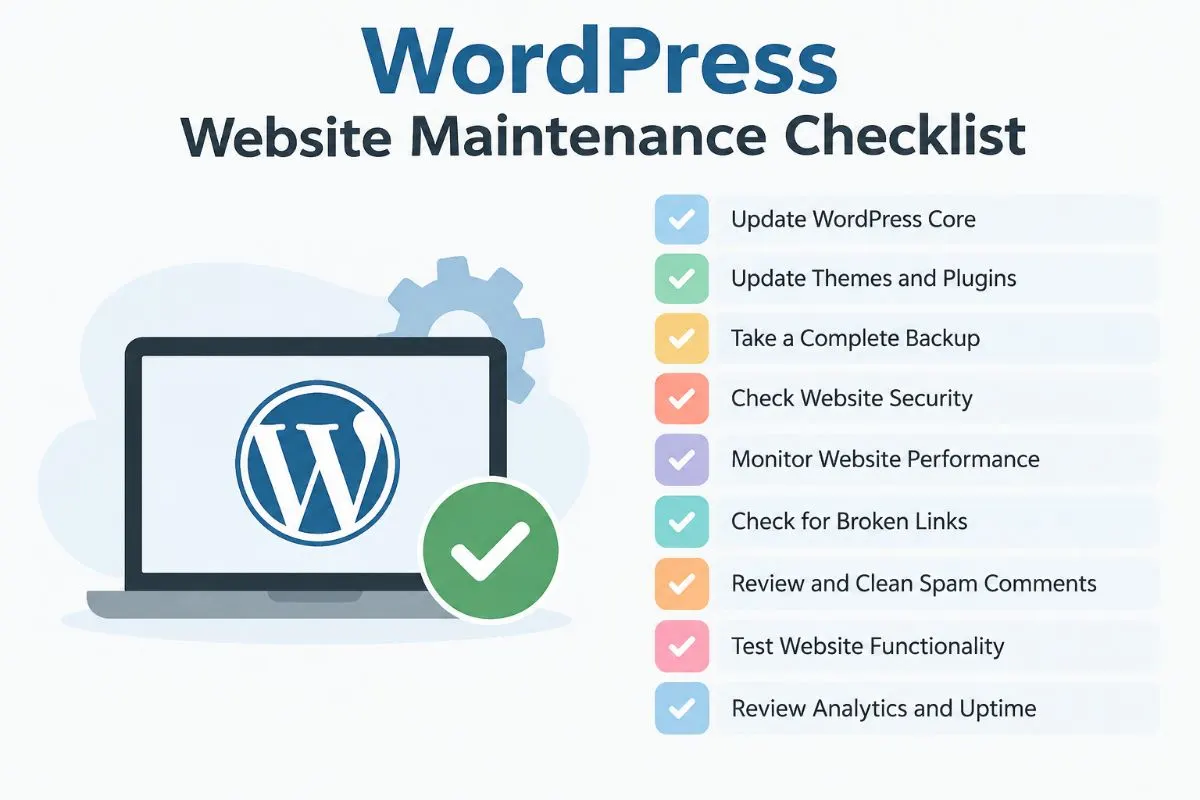
- Maintain regular backups so the site can be restored if something goes wrong.
- Use strong authentication to protect administrator accounts.
- Limit admin access to trusted users who actually need it.
- Monitor unusual activity such as unexpected logins, file changes, or suspicious site behavior.
These measures work alongside WordPress’s automated plugin screening to reduce security risks across the site.
Why The WordPress Plugin Security Matter For Software Supply Chain?
A WordPress plugin is not just software installed on a website. It gets distributed to users of the same network. So, if an attacker tries to get access or the update mechanism gets compromised in any way, an attacker can easily reach the website.
Plugin security → update security → supply-chain security
Can Automated WordPress Plugin Security Screening Catch Everything?
Automated plugin screening can identify many potential risks, but it is not an impenetrable security barrier. AI-based analysis can produce false positives, while subtle vulnerabilities may be difficult to detect automatically. Attackers may also try to evade detection, and legitimate code can sometimes resemble risky behavior.
That is why automated screening should support, not replace, human review and security testing. Effective WordPress security requires multiple layers, including code review, testing, static analysis, monitoring, and automated scanning.
FAQ:
Yes. Updated plugin releases can go through automated security screening during the cooldown period before unrestricted distribution through the WordPress.org update API.
A release identified as high risk can be blocked from distribution. Developers may receive a report explaining the findings so they can investigate and address the underlying issue.
No. A high-risk score can indicate potentially unsafe code or vulnerabilities, including accidental coding mistakes. It does not by itself prove that a developer intentionally added malicious code.
Yes. Developers should review the release diff, run PHPCS and automated tests, verify capability checks, inspect database and file operations, and use security or static analysis before publishing an update.
No. The screening provides an additional layer of protection, but site owners should still keep plugins updated, remove unused plugins, maintain backups, use strong authentication, restrict admin access, and monitor unusual activity.
No. Automated screening is an additional security layer and cannot guarantee that an update contains no vulnerabilities. Developers should still perform their own code review, testing, and security analysis before release.
Conclusion
The important change isn’t simply that WordPress can now scan plugin code. It is that security screening is becoming part of the release path a plugin update must pass through before reaching users.
For developers, this makes security testing an important part of release readiness rather than something to consider after publishing. For site owners, the new screening adds another layer of protection, but it does not eliminate the need for updates, backups, access controls, and other standard WordPress security practices.
Need Help Reviewing Your WordPress Website Security?
Having a WordPress website is just one part of making your online presence. Having a security concern and maintenance matters the same as just creating one. iB Arts helps you create a secure and authentic WordPress website with efficient developers and extensive reviews to ensure a smooth experience for your website.
Already have a website on WordPress? You can run a quick check-up with us.